
The Rotary Table helps in the production of perfect components. Run your fingernail across a machined surface, and you may notice a subtle ridge or a slight step where one cut ends and another begins. Though barely visible, this tiny imperfection and sometimes just a few thousandths of an inch high and can affect surface finish, dimensional accuracy, and overall part quality. It might only show up in the right light. But it’s there, and a picky customer will find it every time.
Nobody makes this mistake on purpose. The cuts were programmed correctly, the tools were sharp, and each operation looked fine on its own. The flaw only appears where two of them meet, and it almost always traces back to the same moment: the part came out of the vies between them.
Why the Step Shows Up
When a surface is machined in two separate setups, the second setup has to line up exactly with the first. That means the part must go back into the fixture in precisely the same position, and then the machine has to find that position again by touching off or indicating.
Even a careful operator can’t make that perfect. If the part sits a thousandth or two off, the second cut lands slightly higher, lower, or to one side of where the first one stopped. The result is a step, a mismatched edge, or a slight offset in a surface that was meant to be continuous.
It shows up most on features that wrap around a part or run across more than one face, like a long slot that continues past a corner, a contour that blends from one side to another, or a face machined in two halves because the part had to be turned halfway through.
What It Costs
A visible step isn’t always a failed dimension. Sometimes the part is technically in tolerance and still gets rejected, because the surface looks wrong or doesn’t mate cleanly with whatever it’s supposed to fit against. A sealing face with a step can leak. A sliding surface with a ridge can bind. A cosmetic part with a visible line can simply be turned away.
Fixing it afterward usually means hand blending, extra finishing passes, or scrapping the part entirely. All of that adds labour to a job that already took longer than it should have, which is why a Rotary Table is worth a look.
How a Rotary Table Changes This
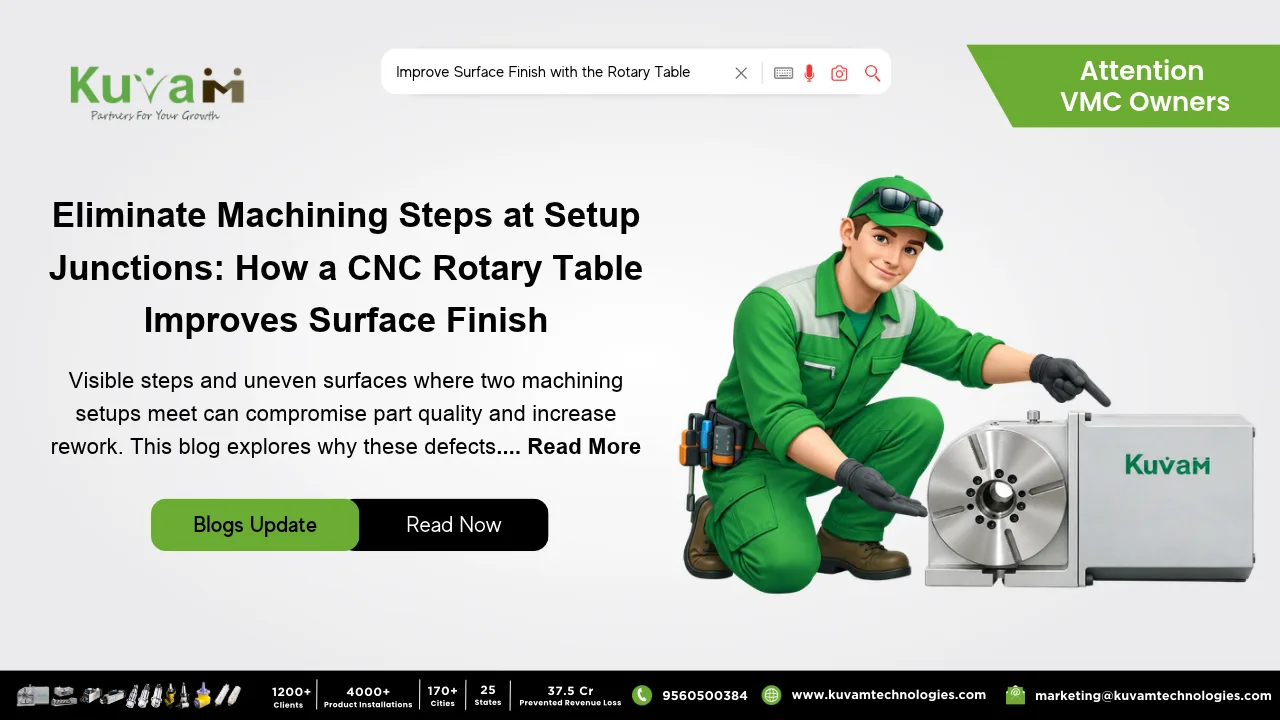
A Rotary Table is a work holding device that mounts on a mill or machining centre and rotates the part around a fixed point. Instead of unclamping the part to reach the next face, the part stays clamped while the table turns it into position. A manual version uses a handwheel and a marked dial, and a CNC version rotates automatically as part of the program.
Because the part never leaves the fixture, the machine keeps the same reference point from the first cut to the last. There’s no second setup to line up, so nothing has a chance to land a thousandth off. The surfaces that used to meet at a mismatched edge now meet cleanly, because they were cut from one continuous position.
Where This Matters Most
The benefit is biggest on features that cross from one face to another. A groove that wraps around a corner, a radius that blends two sides, or a pocket that opens onto an adjacent face all depend on the second cut matching the first. With a CNC rotary table, the program can move the part between cuts without ever releasing it, so the join between operations can be as clean as the cuts on either side.
A rotary table also helps where appearance counts, since a smooth, continuous surface looks like it was made in one pass, even when it wasn’t.
A Simple Example
Imagine a housing with a sealing groove that runs across the top and down one side. If it is machined in two separate setups, the groove may not align perfectly at the corner. This small mismatch can damage the seal or cause leakage at that point.
On a rotary table, the housing is clamped once. The table turns it to the side face, and the groove continues from the same reference position. The two sections of the groove line up, the corner is smooth, and the seal sits evenly all the way around.
Getting the Best Results
A rotary table is only as good as how it’s set up. It helps to confirm the table’s indexing accuracy and backlash in the specifications, and to indicate the part’s center carefully before the first cut. Keeping the table clean and checking it from time to time keeps the accuracy where you expect it.
It’s also worth matching the table to the work. A manual table suits smaller runs, while a CNC table pays off when the same job repeats often or when a feature needs to continue smoothly across a rotation.
Worth Checking Before the Next Rejection
If your shop has parts coming back with steps, ridges, or mismatched edges where two operations meet, look at how many times those parts leave the fixture between cuts. For many jobs, a rotary table is a straightforward way to cut that number down, so the surfaces you machine in two operations look like they were made in one.