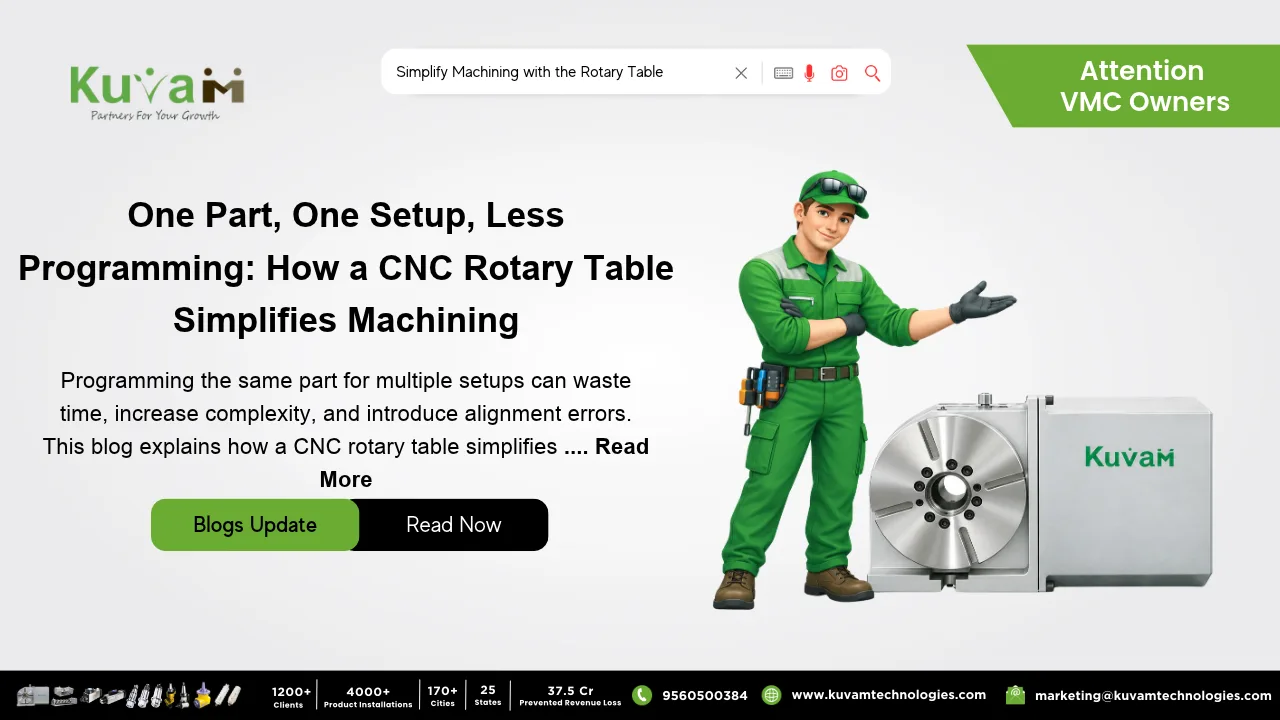

The Rotary Table is capable of machining a component in a single program. Ask a CNC programmer how long a part takes and you’ll get the cycle time. Ask how long it took to get ready to cut it, and the answer gets a lot longer.
Take a housing with holes on top, a pocket on the side and an angled port on one end. The cutting is maybe ten minutes. The prep is another story. Three faces means three setups, and three setups usually means three programs, each with its own work offset, its own tool list and its own zero point. Somebody writes them. Somebody proves them out on the machine. Somebody scribbles a setup sheet so the operator knows which way the part sits for each one.
And that’s when everything goes well.
Where the Time Actually Goes
Programming a multi-face part isn’t hard. It’s repetitive. You rebuild nearly the same tool list three times, re-check three zero points, and name three files so nobody grabs the wrong one. Then you do some of it all over again when the customer sends a revised drawing, because moving one hole can touch two of the programs.
That’s where things slip. Fix programs one and two, forget three, and a month later a batch comes off the machine with an old hole position. Or the operator loads the second-face program while the part is still sitting in the first-face position, and the spindle finds a vise jaw before anyone finds the stop button. Setup notes that just say “flip it over” are more common than anyone likes to admit.
Nobody in those stories was careless. The process simply has too many handoffs.
Enter the Rotary Table
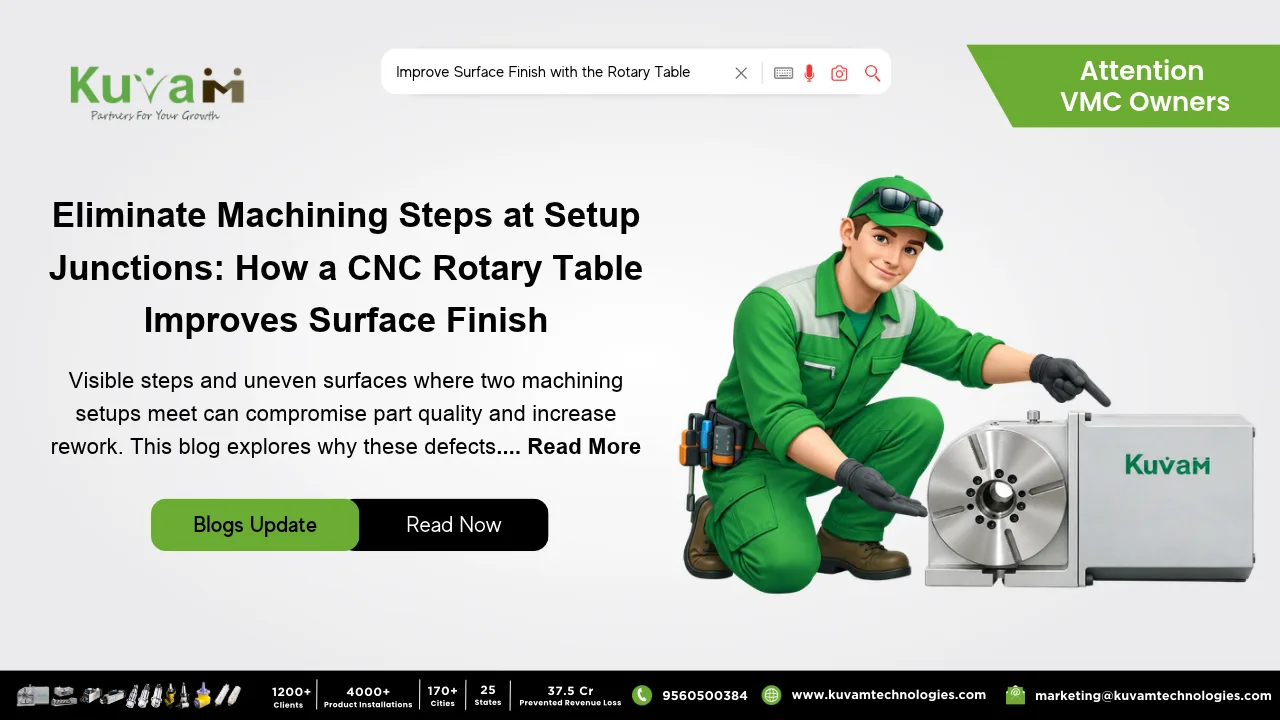
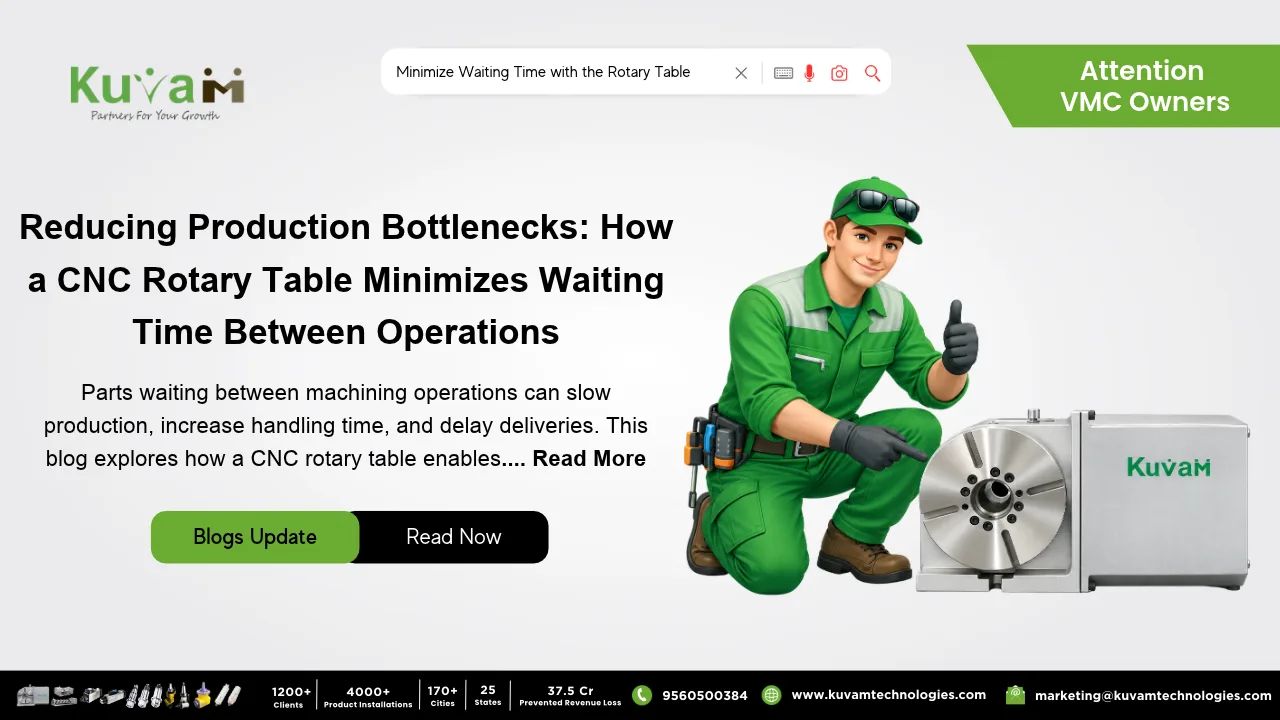
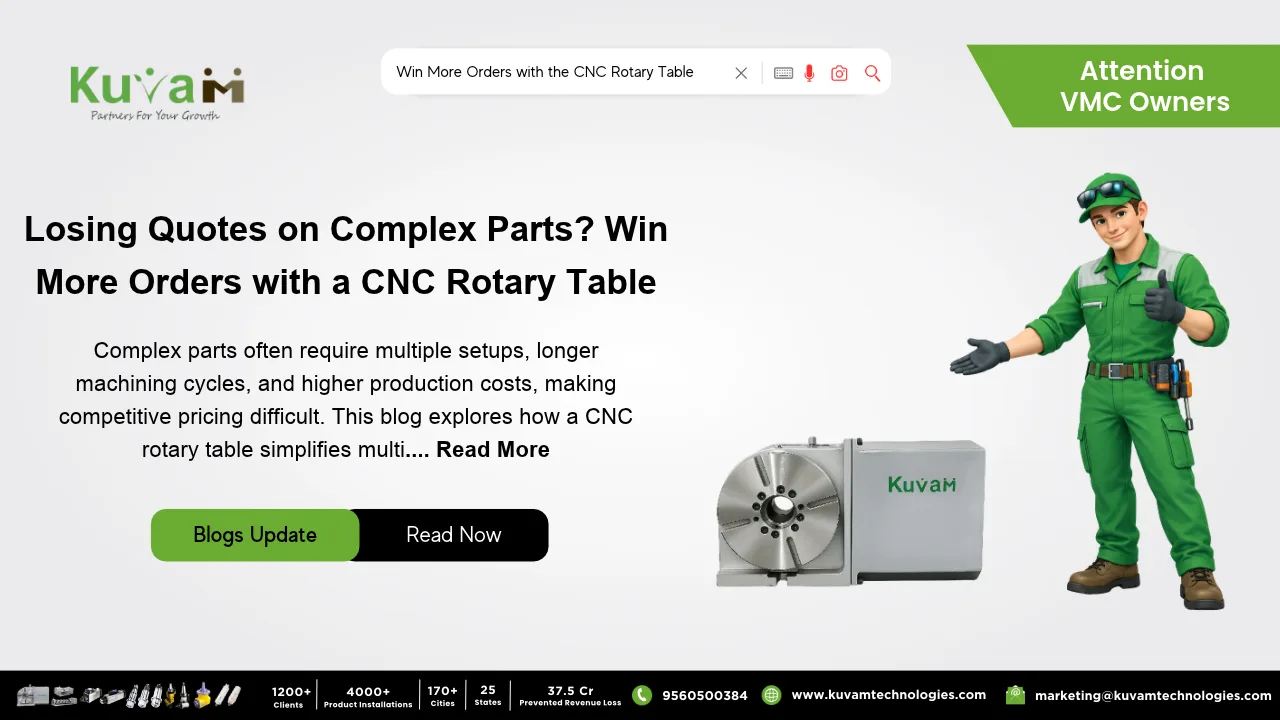
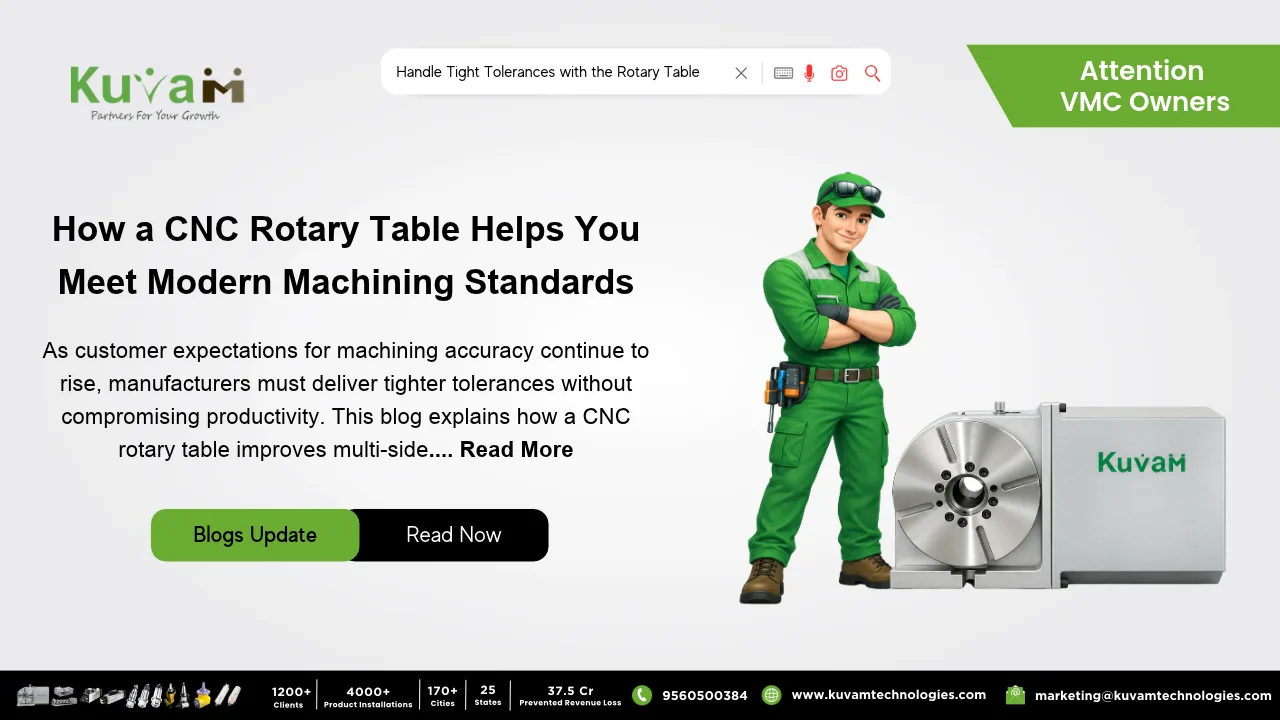
A Rotary Table bolts to the machine bed and turns the part around a fixed axis. You clamp the part once, and instead of pulling it out to reach the next face, the table rotates it into position. The manual kind has a handwheel and a graduated dial. The CNC kind is wired into the control and turns on command.
With a CNC Rotary Table, the rotation is just another move in the program. Cut the top, rotate, cut the side, rotate again, cut the end. Three programs collapse into one, with a single work offset and a single zero point. The setup sheet shrinks to something like “load part, check clamp, press start.”
What Changes Day to Day
The first thing people notice is that the paper gets shorter. One file instead of three. One revision to make when the drawing changes. When a repeat order shows up, nobody digs through old folders trying to remember how the part was held.
The second thing is fewer ways to get it wrong. There’s no second-face program to load at the wrong moment, because there isn’t a second-face program. The part only changes position when the table moves it, and the table does that the same way every run.
Go back to that housing. Instead of an afternoon writing and proving three programs, the shop writes one, proves it once and saves it. The next time the job runs, setup takes minutes.
Operators tend to like it too, mostly because it takes the guessing out of the morning. No hunting for the right file, no wondering which way the part should face. Load it, check the clamp, start the cycle. A Rotary Table won’t make anyone’s job exciting, but it does make it calmer, and calmer shops tend to scrap less.
What it Won’t Fix
It isn’t magic, and it isn’t right for every part. A rotary table adds an axis, which means your control has to support it and your CAM software has to know how to post for it. If your post-processor was never set up for a fourth axis, plan on an annoying week sorting that out before you save any time.
Size matters too. A small table under a heavy casting will flex, and flex shows up as chatter and sloppy holes. Match the load rating to the heaviest part you expect to run, with some room to spare.
And plenty of jobs don’t need a rotary table at all. A part with features on a single face gains nothing. The savings show up on multi-face parts, and they show up most on parts that come back again and again.
Manual or CNC?
A manual rotary table won’t shrink your programming. You still turn the part by hand between operations, so most jobs still end up with a program per face. What you do get is one fixture and one clamping, which at least trims the setup paperwork.
The CNC version is where the programming savings live. If a job comes back often, that’s usually the one that pays for itself first.
Before You Buy
Find out whether your machine’s control can drive another axis, whether your CAM software supports it, and whether the table’s size and load rating suit the parts you actually run. Do that homework first and the rest goes smoothly.
If you’ve been writing the same tool list three times for the same part, you already know where the time is going. A rotary table is one of the more direct ways to get it back.