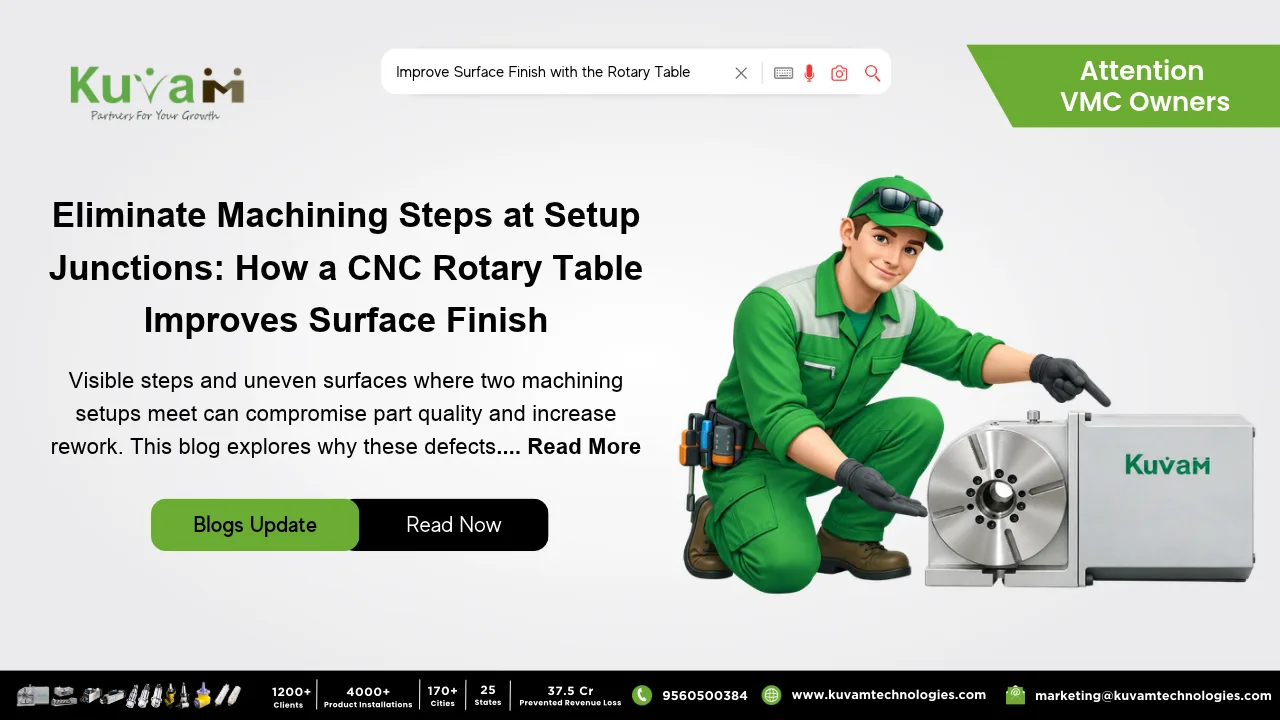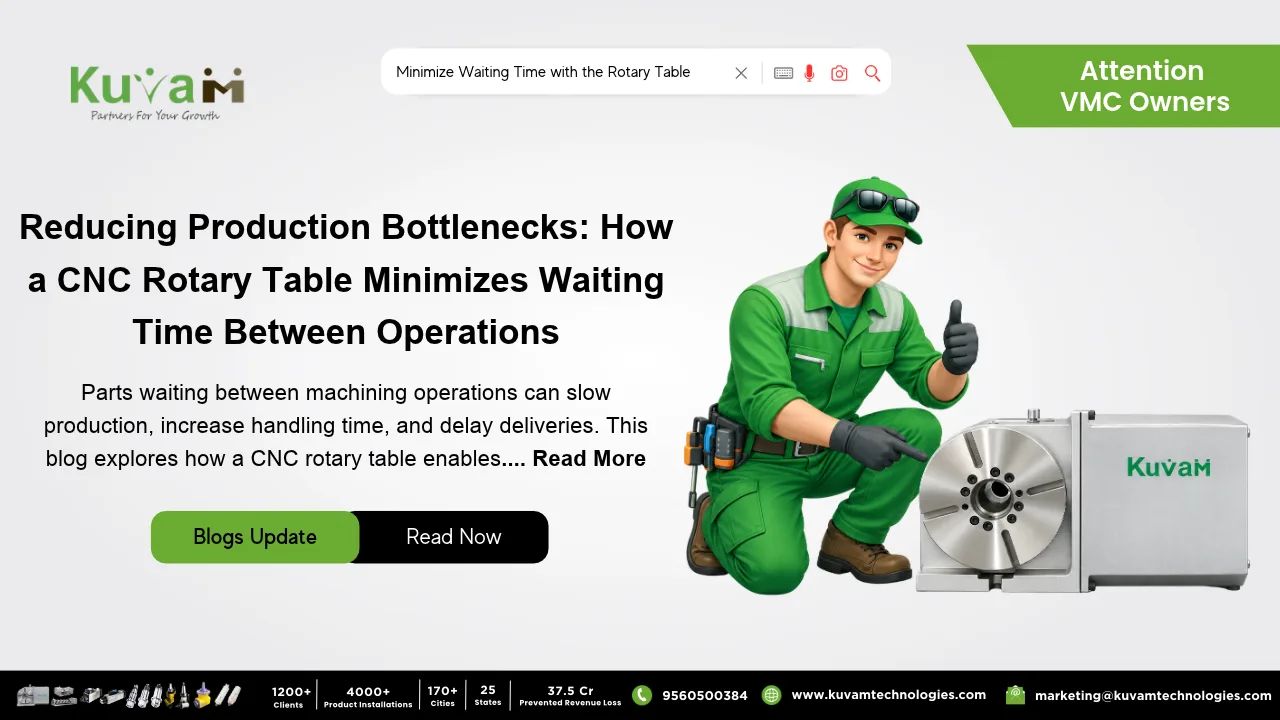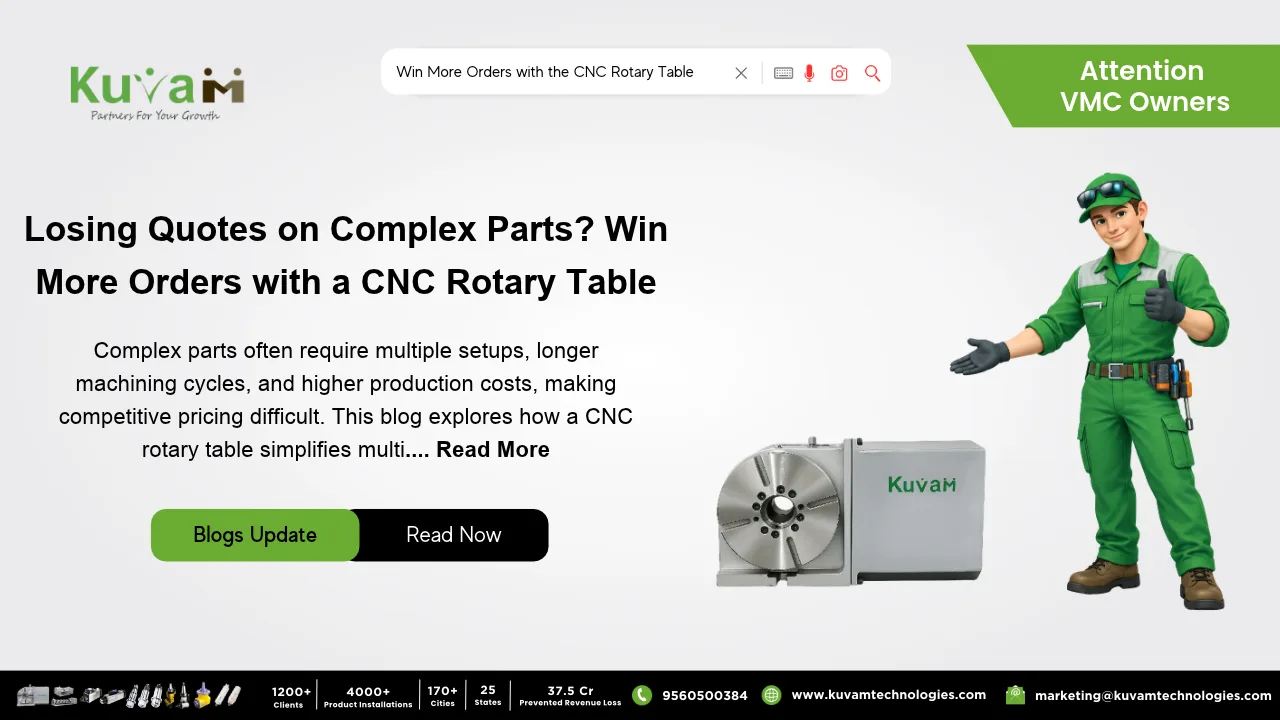

The Rotary Table is one of the best precision tools. You know the moment. First end’s drilled, part gets flipped, second end gets drilled, and then somebody slides a pin in to check. It goes halfway and stops. Cue the groan.
What makes it so irritating is that both holes measure fine on their own. Size is right. Straightness is right. They just don’t agree with each other, and agreeing with each other was the whole point of the job.
Where the Error Hides
In the flip. To make two holes meet, the part has to turn exactly 180 degrees about its own centerline, and a vise has no idea where that centerline is. So you swap the part end for end against a parallel or a stop, tighten down, and trust that the new position matches the old one. Sometimes it’s within a thou. Sometimes it isn’t, and nothing on the machine tells you which.
Length makes it worse. A tiny angle error at the start of a bore doesn’t stay tiny. Over six or eight inches of drill travel it grows into an offset you can catch with a pin gauge. So the long parts, the ones you least want to scrap, are the ones that punish you hardest.
People cope in their own ways. Some sneak up on the second side with a spot drill, an indicator and a lot of patience. Some build a locating fixture, which is great right up until the next part number shows up. Some drill one side extra deep, open the other end up, and call the ragged junction in the middle close enough, assuming the print lets them.
None of that touches the real cause. The part left its reference and then had to be found again. A Rotary Table goes after the cause instead.
What a Rotary Table Changes
Think of it as a turntable for your workpiece. It bolts to the machine, and a graduated dial or a CNC drive moves it to an exact angle. Put a chuck on it, or run a tailstock for a long part, and you can hold the work right along the table’s own axis.
Indicate the part in once. Drill the first end. Turn the table 180 degrees. Drill the second end. That’s the whole trick. The part never leaves the chuck, so both holes get cut around the same line, and two holes cut around one line tend to find each other.
On a manual rotary table you crank the handwheel to the 180 mark and lock it. On a CNC Rotary Table that turn is a single line in the program, which means part number 100 gets the same flip as part number one.
A Quick Picture
Say you’ve got a stainless fitting, about six inches long, with a small passage through the full length. In a vise you’d drill, flip, indicate the new end, nudge it, drill again, and probably still see a little jog where the two holes break into each other. On a rotary table you drill, turn, drill. The break-through comes out clean, and the next fitting behaves the same way.
The money side is easy to underestimate. A rejected fitting isn’t just the blank. It’s the drill time on both ends, the indicator time, and the afternoon somebody spends arguing about whether it can be saved. Run that over a batch and a rotary table starts to look cheap.
The same idea shows up in manifolds with crossing passages, spindles with oil channels, hollow pins, hydraulic blocks. If one bore has to hit another coming from the opposite side, the flip is where it goes wrong, and taking the flip out takes most of the problem with it.
One Habit Worth Keeping
Always come at the 180 mark from the same direction. These tables have a little slack in the worm gear, and if you approach the stop from one side on one part and the other side on the next, you can lose a couple of tenths of a degree without ever noticing. Pick a direction, stick with it, and write it on the setup sheet so whoever runs the job next does the same.
Where it Falls Short
Don’t expect miracles. A rotary table won’t straighten a drill that wanders. On really deep holes the bit can drift on its own, and a gun drill or a pilot bore may still be the better call. And the table has to be set up right. If its axis isn’t lined up with the machine, or the chuck has runout, you’ve only moved the error somewhere new.
So spend the time on the first setup. Indicate carefully, check runout before cutting anything. Ten minutes there can save the whole batch.
Picking a Rotary Table
Running a few parts a month? A manual table with a decent dial does the job and costs a lot less. If the same part keeps coming back, go CNC, since the turn lives in the program and the setup repeats itself. Size it for your heaviest part with some margin, and make sure your machine’s control can drive another axis before you order anything.
Two holes that need to meet don’t need better drilling. They need the part to stay put, and a rotary table gives you that.