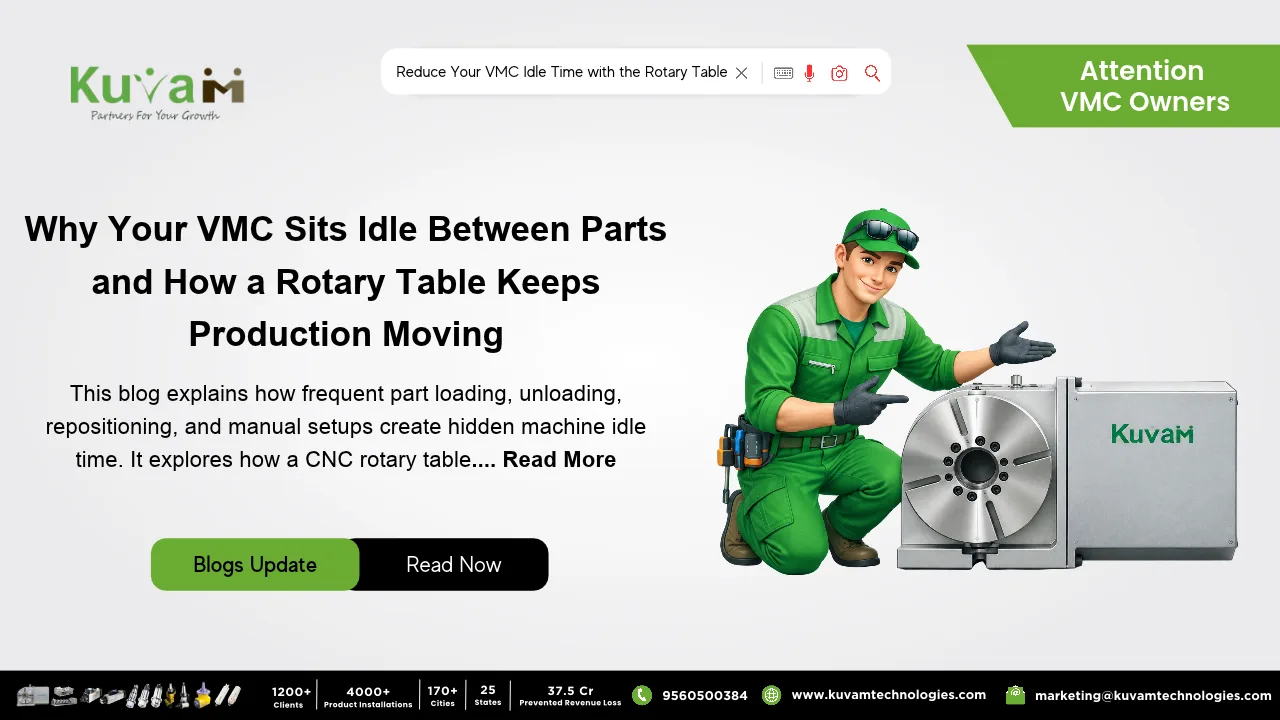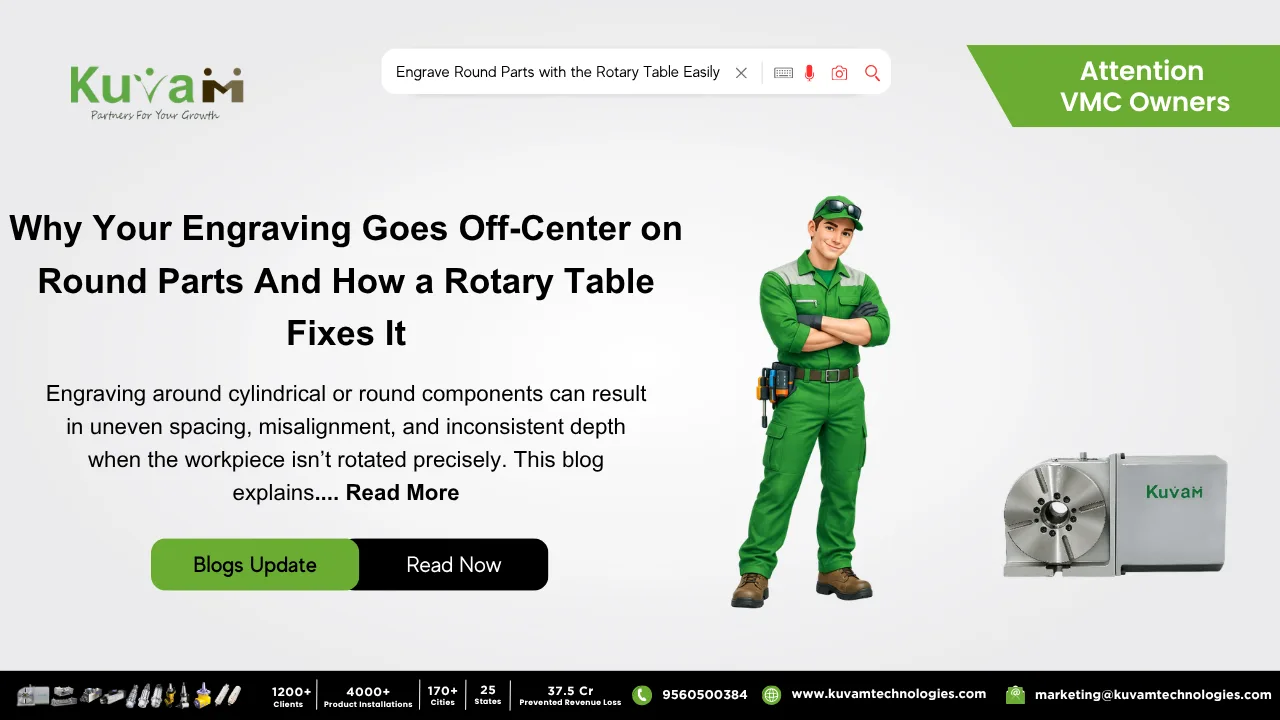

A CNC Rotary Table has a way of looking simple on paper. It rotates a part, it adds an axis, it fits on the table of a mill, but how much thought could buying one really require? Plenty, as it turns out. Shop owners regularly buy a rotary table expecting it to solve their multi-face machining headaches, only to run into chatter, lost accuracy, or a fixture that can’t actually hold the parts they need it for. The tool wasn’t wrong. The selection was.
If your shop is considering adding a rotary table or already owns one that isn’t performing the way you expected. So, these are the five mistakes worth ruling out first.
What a CNC Rotary Table Is Supposed to Deliver
Before getting into where shops go wrong, it’s worth being clear on what a correctly chosen rotary table actually does. It’s a precision workholding accessory that mounts to a mill or machining center and rotates the workpiece around a fixed axis, controlled directly by the CNC program. Loaded correctly, it lets a part stay clamped through multiple operations while the table indexes it to new angles automatically and eliminating manual repositioning, the errors that come with it, and the wasted time between setups.
That’s the promise. Here’s how shops accidentally undercut it.
Mistake 1: Choosing Table Diameter Without Accounting for the Full Range of Parts
It’s tempting to size a rotary table around the biggest part currently on the schedule and call it done. The problem is that production needs shift, and a table sized too tightly to today’s work becomes a bottleneck the moment a slightly larger part comes through the door forcing the shop right back into manual workarounds it was trying to eliminate.
The fix is straightforward but often skipped: size the table against the realistic range of parts the shop expects to run over the next several years, not just the current job. A little extra capacity up front is far cheaper than replacing the table later.
Mistake 2: Underestimating Load Capacity and Rigidity Requirements
This is where a lot of “the Rotary Table isn’t accurate enough” complaints actually originate. A table rated for light, low-torque work will flex or lose precision the moment it’s asked to hold a heavy casting through an aggressive cut. The resulting chatter, vibration, or dimensional drift gets blamed on the table itself, when the real issue is a mismatch between the table’s rated capacity and the demands of the job.
Before buying, shops need to look honestly at the weight of the heaviest parts they’ll fixture, the cutting forces involved, and whether the table’s torque and load ratings genuinely support that not just the diameter of the mounting surface.
Mistake 3: Overlooking Fixturing and Tooling Compatibility
A rotary table doesn’t do much on its own, but it needs the right chucks, clamps, or custom fixtures to actually hold a part securely through rotation. Shops sometimes buy the table first and figure out fixturing later, only to discover the work-holding accessories they need either don’t exist for that table or cost nearly as much as the table itself.
Working backward from the actual parts being machined and how they’ll be clamped, indicated, and held through each index before finalizing the table purchase avoids an expensive and frustrating gap between the equipment and the tooling required to use it properly.
Mistake 4: Assuming Any CNC Control Can Run It Without Checking Compatibility
Not every machine control handles a fourth or fifth rotary axis the same way, and integrating a CNC Rotary Table isn’t always as simple as bolting it down and plugging it in. Older controls may need additional configuration, post-processor updates, or even hardware upgrades to properly drive a rotary axis in sync with the existing linear axes.
Shops that skip this check sometimes end up with a rotary table that technically works but requires clunky workarounds in programming, undermining a lot of the efficiency the purchase was supposed to deliver. Confirming compatibility with the machine’s control ideally before purchase and saves a lot of after-the-fact troubleshooting.
Mistake 5: Treating It as “Set and Forget” Instead of a Maintained Precision Instrument
A rotary table is a precision device, and like any precision device, its accuracy depends on proper care. Worm gears, bearings, and drive components wear over time, especially under heavy use, and skipping routine lubrication, calibration checks, or backlash inspection gradually erodes the very accuracy the table was purchased to provide.
Shops that treat a rotary table as an install-it-and-ignore-it accessory often find its indexing accuracy quietly drifting months down the line and mistakenly conclude the equipment itself was a poor investment, when a basic maintenance schedule would have kept it performing as intended.
The Bottom Line
None of these five mistakes are really about the rotary table failing to do its job. They’re about the selection and setup process skipping steps that determine whether the table can actually do its job well. Size it for your real range of parts, match its load rating honestly to your heaviest cuts, plan fixturing before you buy, confirm your control can drive it properly, and maintain it like the precision instrument it is. Get those right, and a CNC rotary table delivers exactly what it promises the accurate, repeatable, multi-angle machining without the manual repositioning that’s been quietly costing your shop time and tolerance.