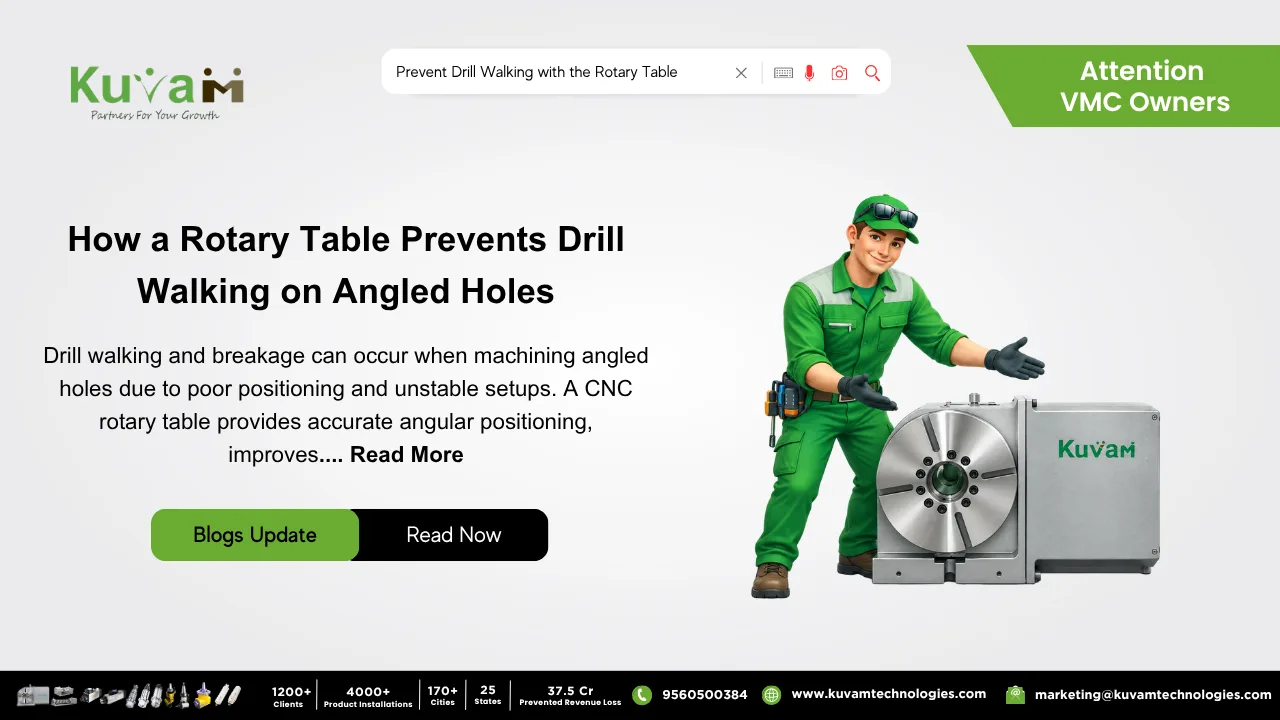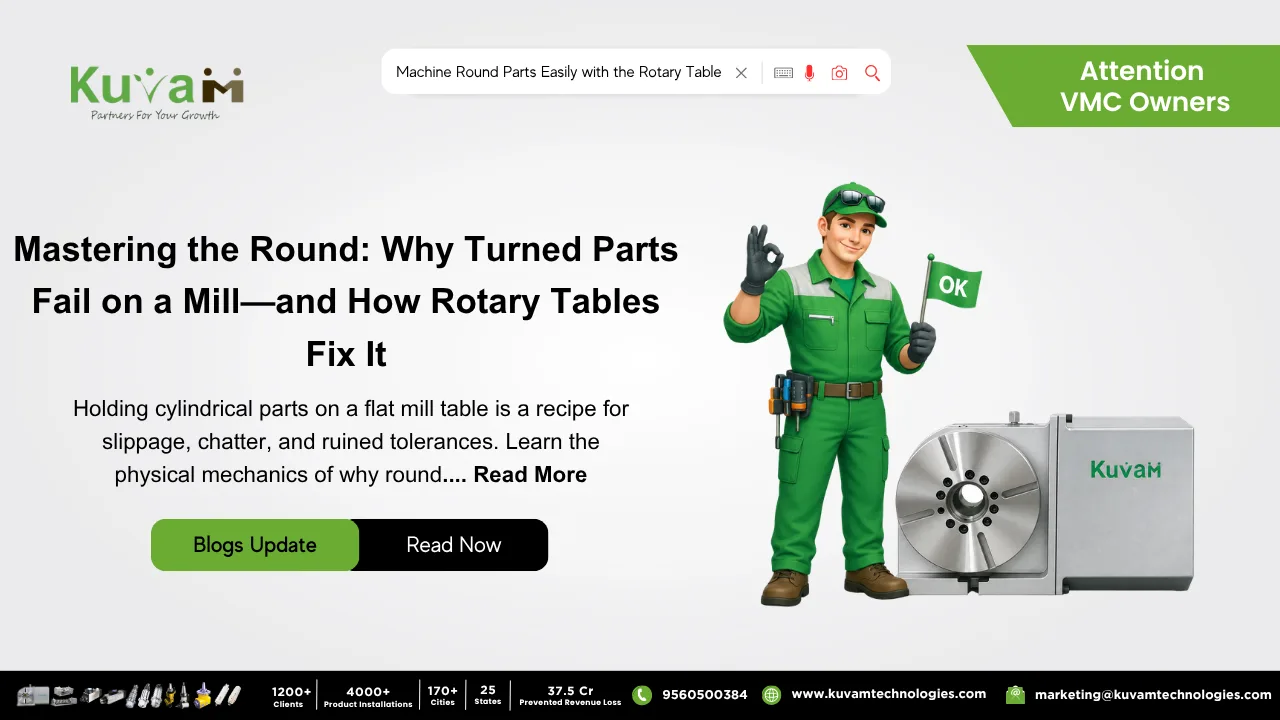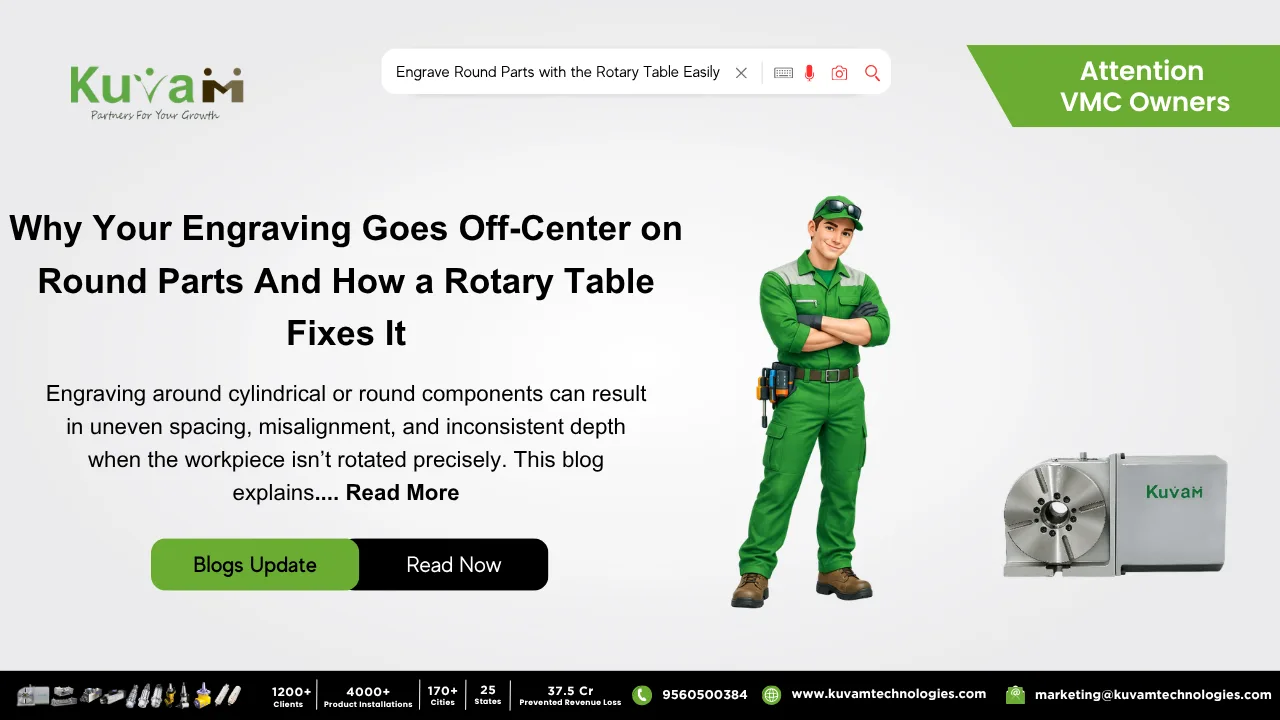

Engraving on round parts is easily done with the Rotary Table. Engraving a flat surface is a solved problem. Lock the part down, run the program, and the text comes out exactly as designed every time. Ask for that same text wrapped around a cylindrical part, such as a serial number running around a round housing, graduated markings on a knob, a logo curved onto a pipe fitting and suddenly the job that took ten minutes on a flat plate turns into a fight against the part’s own geometry.
The problem shows up the moment someone tries to engrave a curved surface using a machine built to move in straight lines. A standard engraving setup on a mill moves the tool in X and Y across a flat plane. Ask it to trace text around a cylinder using only those two linear axes, and the letters distort, so they become stretched at the edges of each character, compressed near the ends, spaced unevenly as the curve of the part fights against a toolpath that was really only designed for something flat. A rotary table is usually the piece missing from this setup, and once it’s added, the whole problem tends to disappear.
Why Flat-Axis Engraving Fights the Curve
Text engraved around a cylinder needs to follow the surface exactly, maintaining consistent depth and consistent spacing at every point along the curve. A tool moving in a straight line can’t do that on its own, because a straight line and a curved surface only agree with each other at a single point of contact. Everywhere else, the tool is either cutting slightly too shallow, slightly too deep, or slightly stretched compared to where the letter was actually supposed to sit.
Shops sometimes try to fake their way around this by breaking the design into small flat segments and repositioning the part slightly between each one, essentially treating the curve as a series of tiny flat faces. It works, sort of, the way a many-sided polygon eventually starts looking like a circle from a distance. Up close, the seams between segments show, the spacing between characters drifts a little each time the part gets repositioned, and the whole design ends up looking like it was pieced together rather than wrapped smoothly around the part. That is why people prefer the rotary table.
What a Rotary Table Actually Changes
A Rotary Table solves this by handling the curve the way it was always meant to be handled: through actual rotation, not an approximation built from flat segments. The cylindrical part gets chucked onto the table, and instead of the tool tracing a straight path across a flat plane, the table rotates the part underneath a stationary or lightly moving tool, generating a true wraparound path that follows the cylinder’s actual surface rather than faking it with a series of straight-line moves.
This means every character in a serial number, every graduation mark on a dial, and every curve of a logo gets engraved at a consistent depth and consistent spacing relative to the part’s actual geometry, because the motion generating the path is genuinely rotational rather than an approximation.
Why This Matters Beyond Just Looking Better
Cosmetic evenness matters for branding and part appearance, but there’s a more practical reason this gets taken seriously on production parts: readability and traceability. A serial number that’s stretched or compressed at certain points can become difficult for a barcode scanner or a human eye to read reliably, especially on smaller cylindrical parts where there’s not much surface to work with in the first place. A dial or gauge with unevenly spaced graduation marks isn’t just visually sloppy because it can genuinely mislead whoever’s reading it if the spacing implies a false precision that isn’t actually there.
A Rotary Table removes this risk because the spacing between characters or marks comes directly from consistent rotation increments, not from a segmented approximation that drifts slightly with every repositioning.
Where This Shows Up Beyond Serial Numbers
This isn’t limited to serial numbers or logos either. Graduated scales on cylindrical dials, depth markings on rods and gauges, branding wrapped around tool handles, and any text or pattern that needs to follow a round surface all run into the same flat-axis limitation. A rotary table solves each of these the same way, by generating the wraparound motion the part’s geometry actually calls for instead of forcing a flat-plane process to approximate a curve it was never designed to follow.
What This Looks Like on an Actual Part
Take a cylindrical housing that needs a serial number and a small logo engraved around its circumference, evenly spaced with consistent depth throughout. Attempted with flat-axis engraving and manual repositioning, the characters near the seams where the part was repositioned often show a visible mismatch in spacing or depth compared to the rest of the text. Set up on a rotary table, the part rotates smoothly beneath the engraving tool, and the entire serial number and logo wrap around the housing as one continuous, evenly spaced pass, with no seams and no drift from one repositioning to the next.
Worth a Look If Curved Engraving Keeps Looking Inconsistent
If your shop regularly engraves or marks cylindrical parts and the results keep coming out slightly uneven, stretched, or seamed at certain points, it’s worth asking whether the underlying process is actually built for the curve, or just working around it with flat-axis moves and manual repositioning. A rotary table is built specifically for this kind of work, turning a job that fights the part’s own geometry into one that finally works with it.